Serving Miami-Dade, Broward & Palm Beach
What businesses usually ask for
- Staff credentials with schedules that match shifts
- A front door that unlocks for business hours and locks itself at close
- A visitor intercom at a reception or rear delivery door
- Restricted rooms for inventory, records, or equipment
- Cameras at entrances so door events can be checked against video
Platforms we work with
Centrios, UniFi Access, Swiftlane, and ButterflyMX cover many small and mid-size commercial sites. Larger organizations sometimes standardize on Brivo, Avigilon, or Verkada. If you already have a system installed by another integrator, we can review whether extending it makes more sense than replacing it.
Doors and life safety
Storefront glass, aluminum frames, and fire-rated doors each take different hardware, and every controlled door must still let people out freely. We explain the required exit behavior for each door before we recommend a lock.
Access control hardware
The hardware behind a controlled door
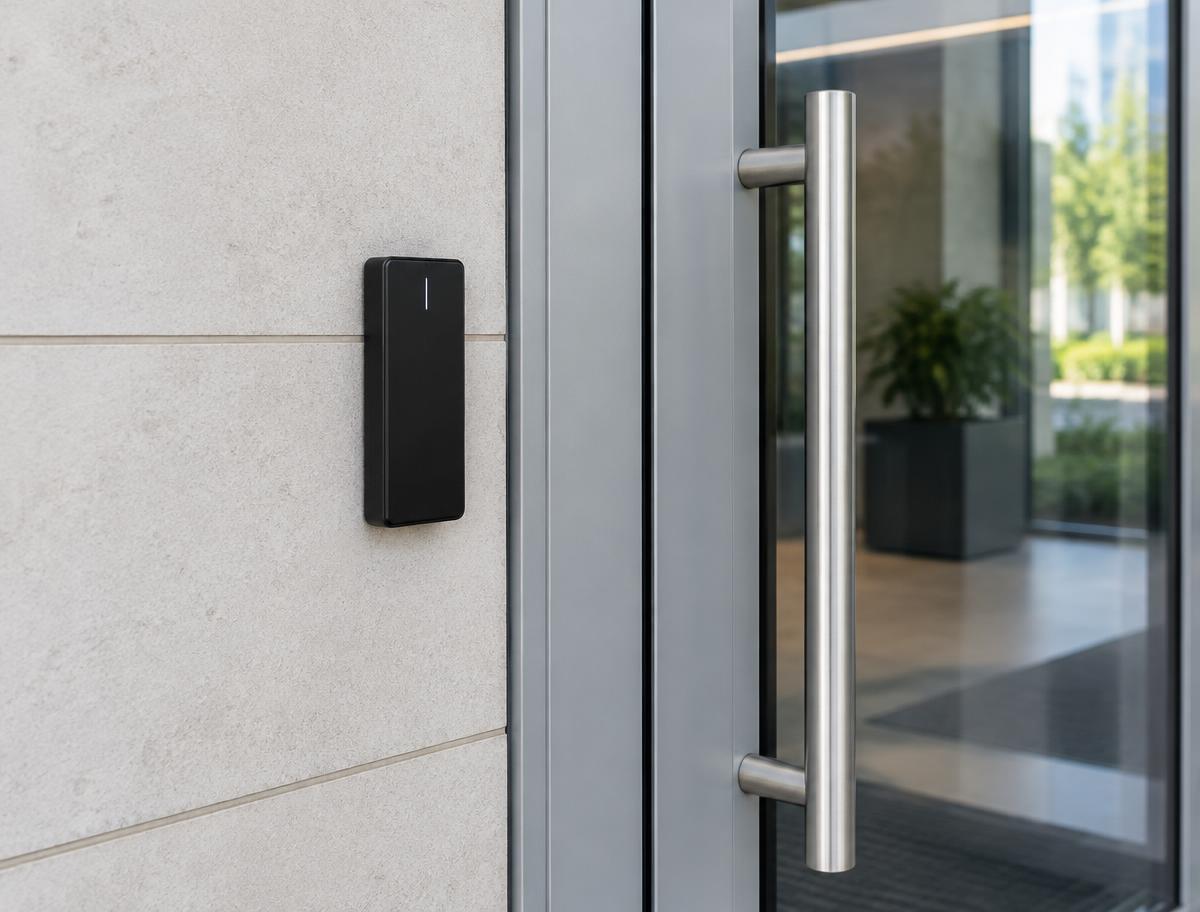
Every controlled door combines a credential reader with locking and exit hardware. We select each piece around the door and frame material, the hardware already installed, available power, and the exit behavior the door must keep — including whether it should stay locked or unlock if power is lost.
Magnetic locks (maglocks)
Hold a door closed with an electromagnet. Common on glass and aluminum doors; require a code-compliant release for free exit.
Electric strikes
Replace the strike plate in the frame so the latch releases on command. Often the least invasive option when the existing lockset can stay.
Electrified panic bars / exit devices
For doors that need push-bar exit, an electrified exit device lets access control unlock the outside while the inside always exits freely.
Push-to-exit / request-to-exit buttons
Let people leave through a door secured by a maglock or strike, and tell the system a valid exit is happening.
Request-to-exit sensors and door-position contacts
Motion sensors detect someone approaching to leave; door contacts report whether the door is actually closed, held, or forced.
Controllers, readers, keypads, power supplies, and wiring
Controllers make the decisions, readers and keypads collect credentials, and dedicated power supplies with backup keep doors behaving predictably.
See how this applies to commercial entry and condo & multifamily buildings.
Property types we work with
Offices and suites
Front door, suite doors, server and storage rooms.
Clinics and studios
Staff-only areas, after-hours entry, and patient flow.
Retail and restaurants
Back-of-house doors, rear deliveries, and storefront cameras.
Warehouses and flex space
Roll-up adjacent man doors, gates, and perimeter cameras.
How the installation process works
- 01
Assessment
We review each door, frame, existing hardware, power, and exit requirements.
- 02
Recommendation & quote
Hardware and platform by door, with licensing and subscription costs.
- 03
Installation & setup
Wiring, controllers, readers, and user schedules.
- 04
Walkthrough
Admin training: adding staff, removing access, and pulling activity reports.
Compatibility considerations
Not every product fits every door or property. These are the things we check first:
- Aluminum storefront doors often need specific strikes or maglocks.
- Fire-rated doors limit hardware choices and may need fail-secure devices.
- Controllers and readers need power and a network connection.
- Landlords may need to approve changes to common-area doors.
What to send us
A few details help us check compatibility before we recommend anything:
- Photos of each door, its frame, and the current hardware
- How many doors and roughly how many users need access
- Whether you need schedules, visitor access, or activity records
- Who approves the project (owner, board, or management)
Common questions
- Can we remove an employee's access the same day?
- Yes. That's one of the main reasons businesses move off keys — access can be removed from the admin app.
- Do you work with our existing access system?
- Often. We'll review what's there and tell you whether extending it is realistic.
- Do maglocks meet code?
- Maglocks can be used where the code allows, with the required release devices. We explain the options for each door.
- Can doors unlock automatically during business hours?
- Most access platforms support unlock schedules. We'll set them to match your hours.