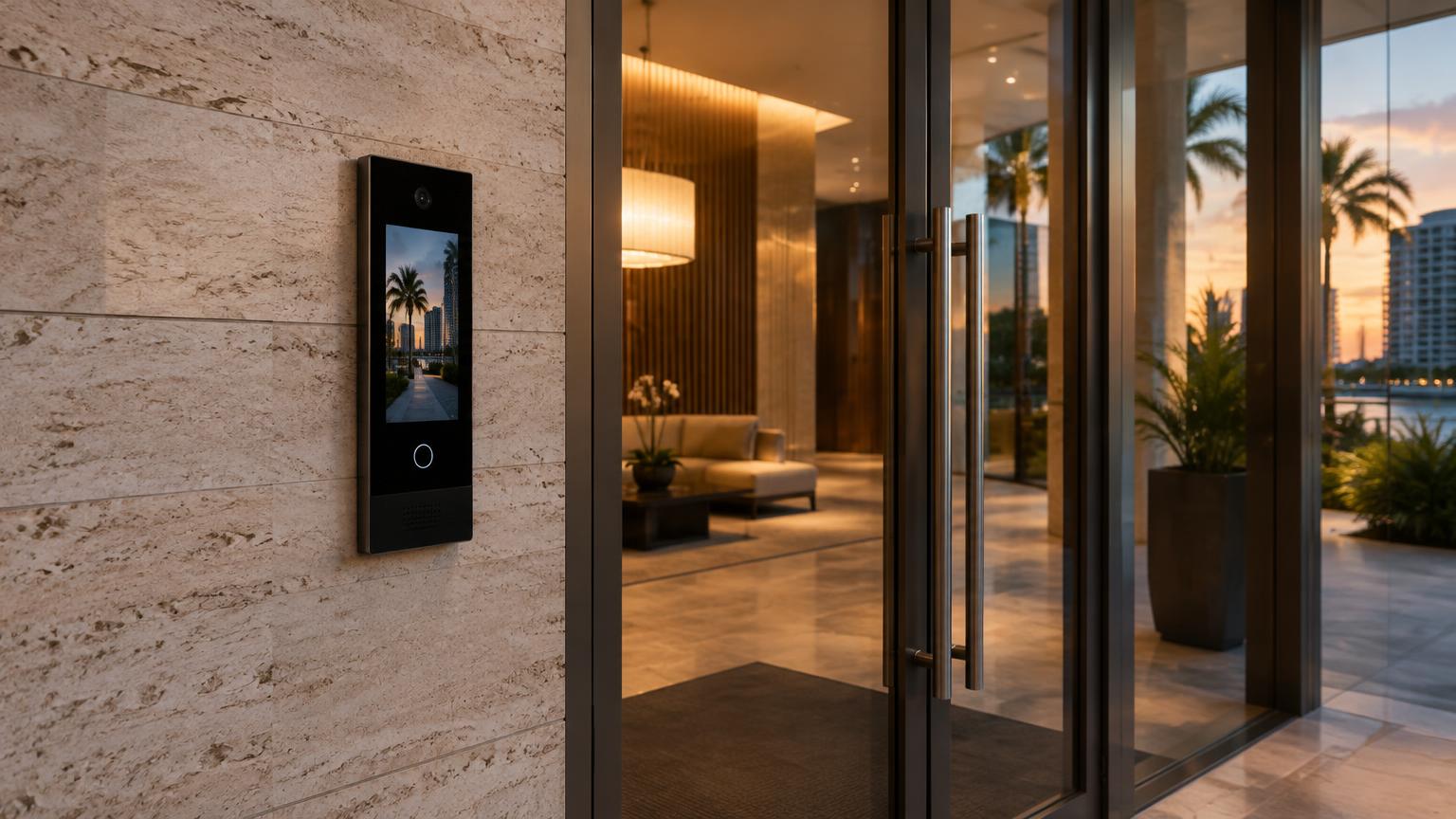
What ButterflyMX does at the front door
Resident video calls
A visitor selects a resident on the intercom panel, and the resident sees and talks to them on their phone before deciding whether to open the door.
Remote door release
Residents can unlock the entrance from the app, whether they're upstairs or away.
Visitor entry
Depending on configuration, residents can share codes or virtual keys with expected guests so they don't have to answer a call.
Delivery handling
Delivery workflows can let couriers into a lobby or package area without a resident answering every buzz.
Management tools
Property staff manage residents, directory entries, and entry logs through an online dashboard.
Available features depend on the ButterflyMX products and plan your building chooses. We confirm current product details for your entrances during the assessment.
Who it's for in Miami
Condo associations
Replace an aging lobby panel and outdated resident directory with video calls to residents' phones. Boards get a clearer picture of who enters the building.
Property managers
Add and remove residents from a dashboard instead of reprogramming panels or collecting fobs at move-out. Useful in buildings with frequent turnover or seasonal owners.
Apartment buildings
Give renters a modern way to let in guests and deliveries, and reduce the calls that come to the office about packages and visitors.
Commercial entrances
Office lobbies and shared commercial entrances can use video calls to tenants and managed access for staff and vendors.
ButterflyMX security cameras
ButterflyMX also offers dome, bullet, and license-plate-recognition cameras. They connect through a ButterflyMX Camera Gateway, which records locally and uploads to the ButterflyMX cloud, so staff can find the video that matches a specific door or gate entry. The gateway supports up to 10 cameras and can connect some existing ONVIF cameras, which helps buildings that don't want to replace everything at once.
- Dome cameras for lobbies, hallways, and mailrooms
- Bullet cameras for outdoor entrances and parking
- LPR cameras at garage and vehicle gates
- Ethernet and PoE+ cabling to a gateway on the building network
Planning a ButterflyMX project
Most of the work is in the details of each entrance: where the panel mounts, how it gets power and network, and what locking hardware releases the door or gate. Miami buildings often have impact-rated glass lobby doors, garage gates, and pedestrian gates with existing operators — each needs to be reviewed.
- 01Walk the property and document each entrance and existing system
- 02Confirm power, network, and door or gate hardware at each location
- 03Outline the scope for the board or ownership, including ButterflyMX's own fees
- 04Install, test each entry, and support resident onboarding
ButterflyMX questions
- Does ButterflyMX have ongoing fees?
- ButterflyMX is a cloud-based platform and typically involves ongoing software or service fees set by ButterflyMX. Check with ButterflyMX for current pricing; we'll make sure recurring costs are clear before your board decides.
- Can ButterflyMX cameras show video with door events?
- Yes. ButterflyMX cameras connect through a ButterflyMX Camera Gateway, which links footage to access events in the ButterflyMX platform. The gateway can also bring in some existing ONVIF cameras. Cloud video retention depends on the plan ButterflyMX offers.
- Can we keep our existing door hardware?
- Sometimes. It depends on the existing strikes, maglocks, gate operators, and wiring. We review each entry during the site walk.
- Do residents need a smartphone?
- The ButterflyMX app provides video and remote unlock. Options for residents without the app vary; ask ButterflyMX or us about the setup for your building.