Serving Miami-Dade, Broward & Palm Beach
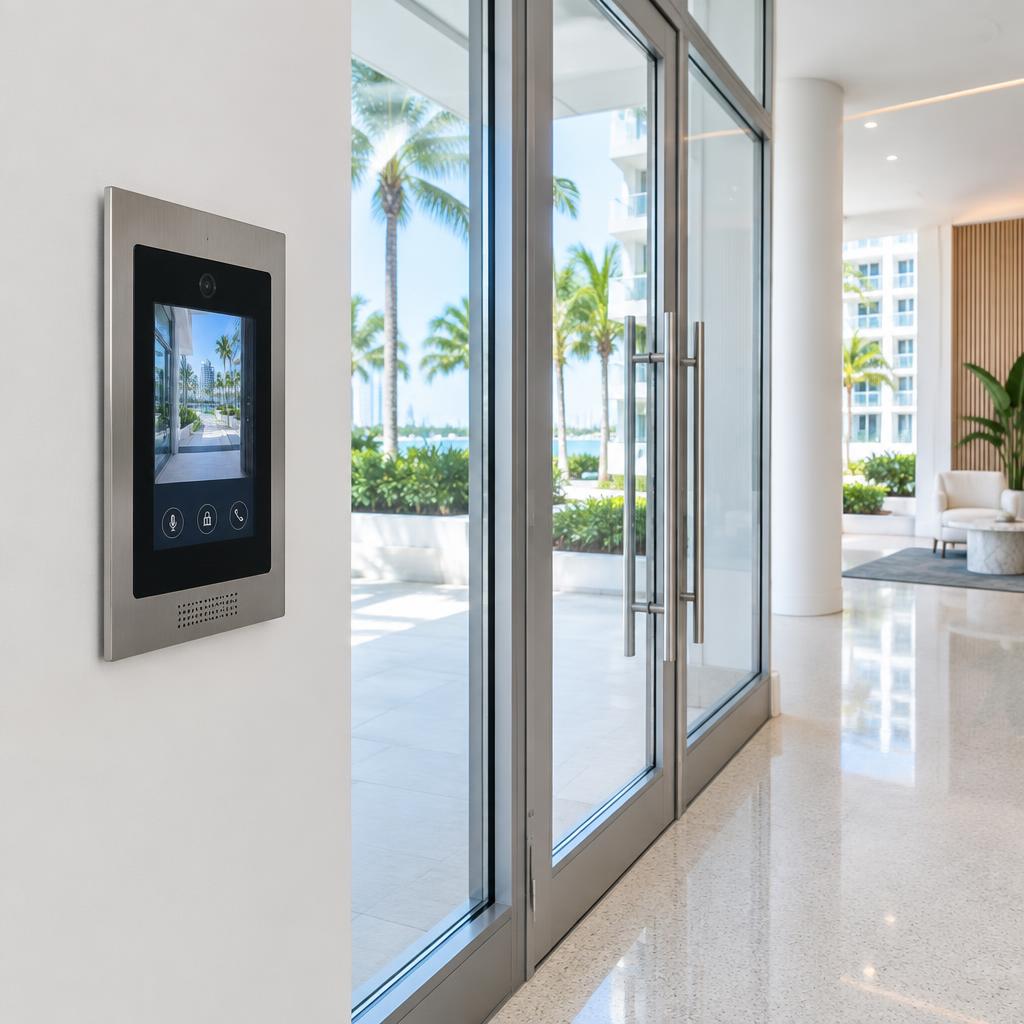
What a modern intercom does
- Video calls from the entrance panel to residents' phones
- Remote door release from the app
- Visitor PINs and delivery codes, depending on the platform
- A digital directory management can update instantly
- Entry logs for management
ButterflyMX video intercoms
ButterflyMX is a cloud-based video intercom and access platform widely used in multifamily and commercial buildings. It's one of the systems we most often discuss with Miami condo boards and property managers. Read our ButterflyMX page for details on how it could work for your property.
Commercial video intercoms
Offices, clinics, warehouses, and gated commercial lots use video intercoms to handle visitors and deliveries at a locked entrance. A call can ring a front desk, a group of staff phones, or a specific tenant, and the door can be released remotely after staff see who's there. Many commercial intercoms also connect to an access control system so employees use a card or phone while visitors use the intercom.
As the installer, we review the entrance, power, and network path, mount and wire the panel, connect it to the door or gate hardware, and set up the directory and app access before handoff.
Smaller shared entrances
Not every property needs a full building platform. Duplexes, small offices, and gated homes can use simpler video intercoms. We'll recommend a system that matches the number of units and how the entrance is used.
Helpful guide
Replacing an old condo intercom: what can stay?What determines condo video intercom installation cost?
What happens during a condo intercom installation and resident rollout?
Featured platform
ButterflyMX for Miami buildings
Resident video calls, visitor entry, and management tools in one cloud platform. Learn how it could work for your condo, apartment building, or office.
Read about ButterflyMXProperty types we work with
Condo buildings
Lobby and gate intercoms for residents.
Apartment buildings
Directory panels with mobile answering.
Offices
Front-door visitor management.
Gated properties
Pedestrian and vehicle gate entries.
How the installation process works
- 01
Entrance review
Where the panel will go, power, network, and door hardware.
- 02
Platform options
Systems that fit the unit count and budget.
- 03
Proposal
Hardware, installation, and software or service fees.
- 04
Install and onboarding
Setup, testing, and support for resident onboarding.
Compatibility considerations
Not every product fits every door or property. These are the things we check first:
- Panels need power and a reliable network connection.
- Door releases require compatible locking hardware.
- Most building platforms have ongoing service fees.
What to send us
A few details help us check compatibility before we recommend anything:
- Photos of the current entry panel and the entrance
- Number of units or tenants and whether there's a front desk
- How deliveries and visitors are handled today
- Who approves the project (board, management, or owner)
Common questions
- Do residents need an app?
- Most platforms use an app for video and remote unlock, and some can also call a phone number for residents who prefer not to use one.
- Can we keep our existing door hardware?
- Sometimes. It depends on the lock or strike and how it's powered. We check each door during the review.