Serving Miami-Dade, Broward & Palm Beach
Explore access control in more detail
Commercial Access Control
Commercial access control systems for Miami offices, clinics, retail, and restaurants: key cards, fobs, mobile credentials, schedules, and entry logs.
Read moreCondo & Multifamily Access Control
Access control for Miami condo associations and apartment buildings: lobbies, garages, amenities, and package rooms managed from one system.
Read moreParts of an access control system
Every system combines a few building blocks:
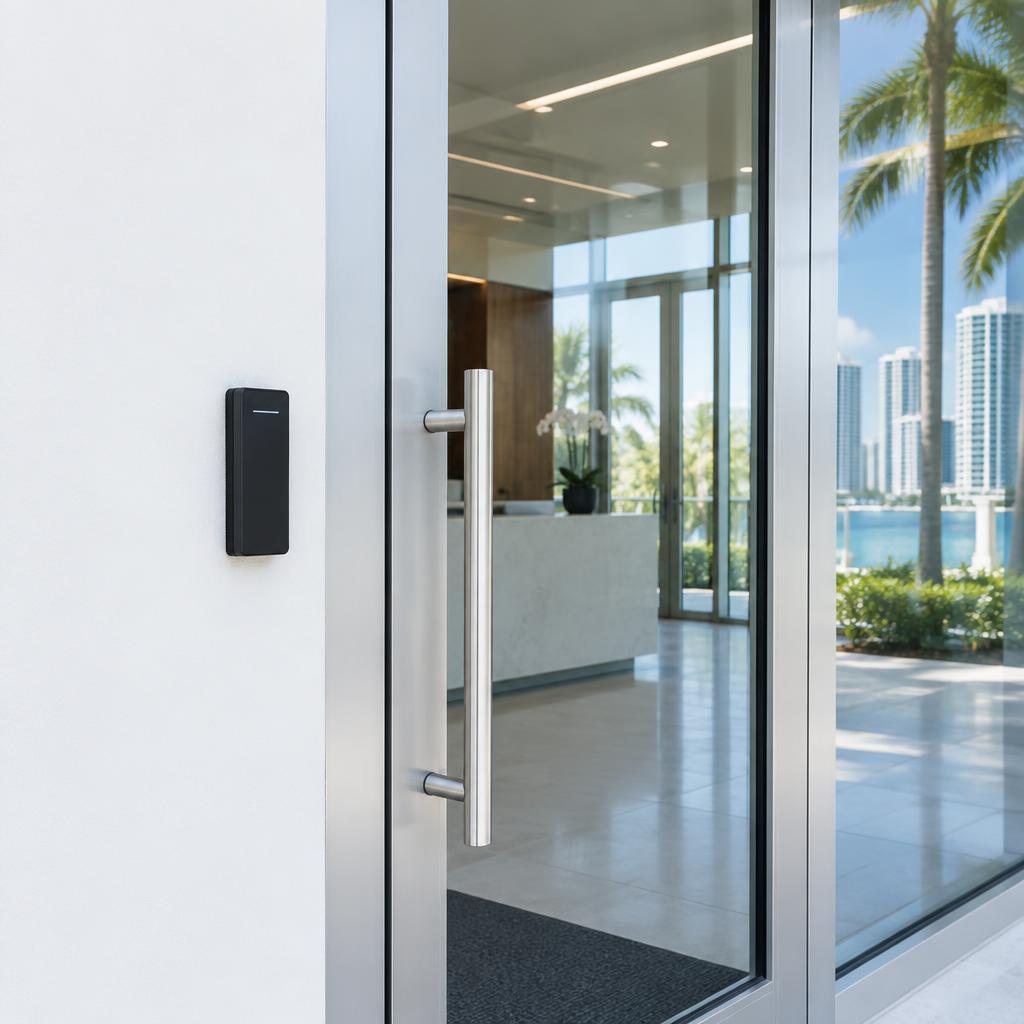
- Readers or keypads at each controlled door
- Credentials: fobs, cards, PINs, or mobile credentials
- Door hardware such as electric strikes or maglocks, depending on the door
- Controllers and power that tie the doors together
- Management software to add, remove, and schedule access
ButterflyMX and other platforms
For multifamily and commercial buildings, cloud platforms combine access control with a video intercom so management can handle residents, staff, and visitors in one place. ButterflyMX, UniFi Access, and Swiftlane are platforms we frequently discuss with South Florida buildings, and enterprise options such as Brivo, Avigilon, and Verkada come up for larger commercial sites. Some properties already have a system from an integrator like ENS Security, and the question is how to extend it. Others are better served by a simple standalone system.
Planning for real doors
Glass storefronts, aluminum frames, impact doors, gates, and garage entries each need different hardware. Life-safety and code requirements also matter: doors must allow free egress. We'll look at each door and explain what's involved before quoting.
Helpful guide
What hardware does a door access control system need?Featured platform
ButterflyMX for Miami buildings
Resident video calls, visitor entry, and management tools in one cloud platform. Learn how it could work for your condo, apartment building, or office.
Read about ButterflyMXAccess control hardware
The hardware behind a controlled door
Every controlled door combines a credential reader with locking and exit hardware. We select each piece around the door and frame material, the hardware already installed, available power, and the exit behavior the door must keep — including whether it should stay locked or unlock if power is lost.
Magnetic locks (maglocks)
Hold a door closed with an electromagnet. Common on glass and aluminum doors; require a code-compliant release for free exit.
Electric strikes
Replace the strike plate in the frame so the latch releases on command. Often the least invasive option when the existing lockset can stay.
Electrified panic bars / exit devices
For doors that need push-bar exit, an electrified exit device lets access control unlock the outside while the inside always exits freely.
Push-to-exit / request-to-exit buttons
Let people leave through a door secured by a maglock or strike, and tell the system a valid exit is happening.
Request-to-exit sensors and door-position contacts
Motion sensors detect someone approaching to leave; door contacts report whether the door is actually closed, held, or forced.
Controllers, readers, keypads, power supplies, and wiring
Controllers make the decisions, readers and keypads collect credentials, and dedicated power supplies with backup keep doors behaving predictably.
See how this applies to commercial entry and condo & multifamily buildings.
Property types we work with
Offices
Front door, suites, and server or storage rooms.
Condos and apartments
Lobby, garage, pool, gym, and package rooms.
Retail and restaurants
Back-of-house and staff entrances.
Clinics and studios
Staff-only areas and after-hours entry.
How the installation process works
- 01
Map the doors
List the doors and who should use each one, and when.
- 02
Site review
We check frames, hardware, power, and network paths.
- 03
System proposal
Credential type, hardware, software, and recurring fees.
- 04
Install and train
Installation, testing, and training for whoever manages it.
Compatibility considerations
Not every product fits every door or property. These are the things we check first:
- Door frame material and style determine the right locking hardware.
- Free egress and life-safety requirements apply to controlled doors.
- Many cloud platforms carry ongoing software fees.
What to send us
A few details help us check compatibility before we recommend anything:
- Photos of each door, its frame, and the current hardware
- How many doors and roughly how many users need access
- Whether you need schedules, visitor access, or activity records
- Who approves the project (owner, board, or management)
Common questions
- Fobs or mobile credentials?
- Fobs and cards are simple and familiar. Mobile credentials avoid handing out hardware and are easy to revoke. Many systems support both, so people can choose.
- Is there a monthly fee?
- Cloud-managed systems usually have software fees. Some on-site systems don't. We'll spell out recurring costs for the system we recommend.
- Can you work with our existing system?
- Sometimes. It depends on the equipment and whether it's still supported. We'll review what you have before recommending changes.