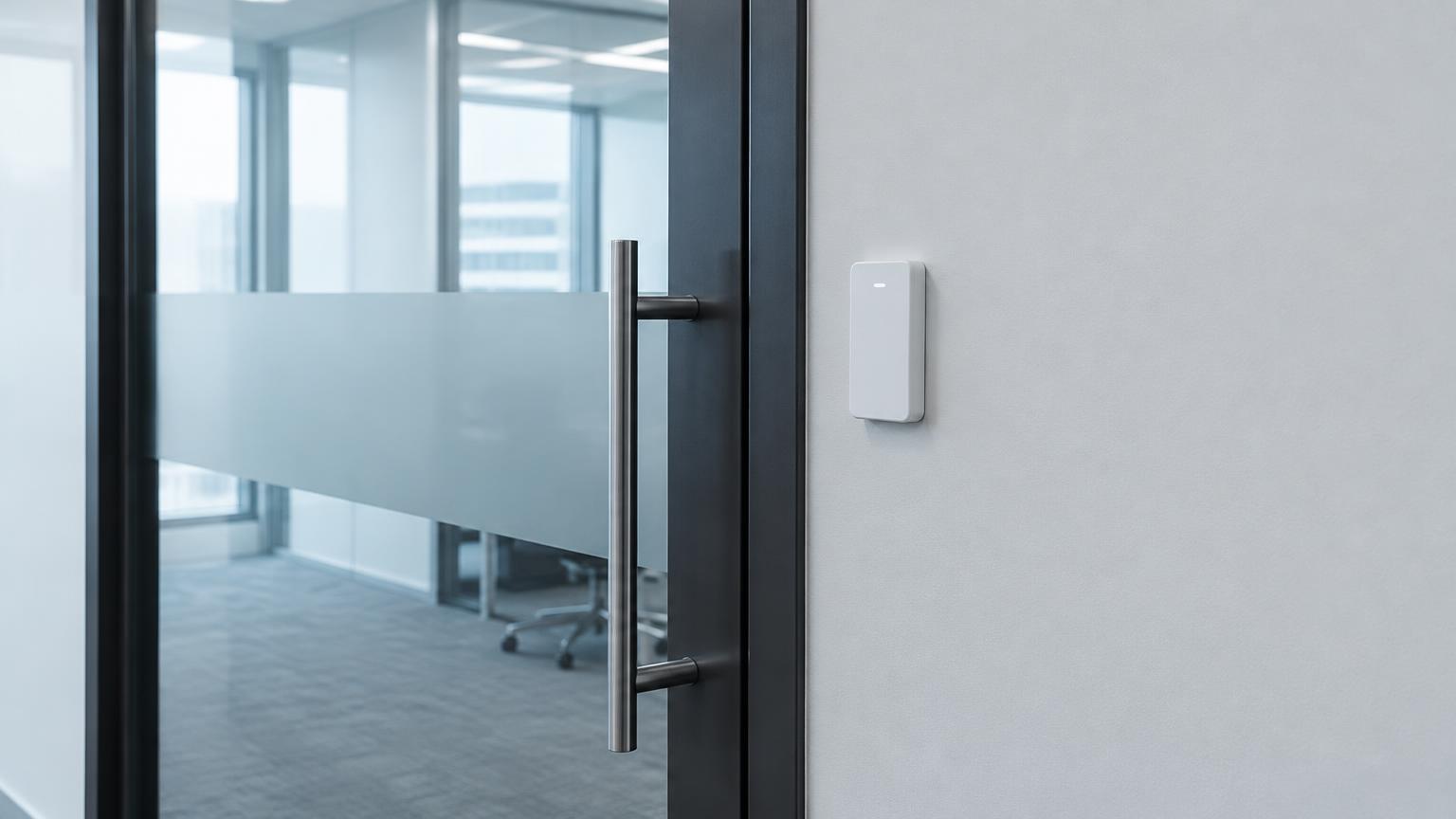
Where UniFi Access fits
It tends to suit small and mid-size offices, clinics, and residential buildings that want local control without a per-door cloud subscription. Larger multi-site organizations sometimes need features found in enterprise platforms instead; we'll talk through that honestly.
What's involved
A typical install includes readers at each door, a door hub or controller, power over Ethernet, and the electrified hardware the door needs — an electric strike, maglock, or exit device with request-to-exit. Available features vary by reader and hub model.
- Network cabling and PoE capacity
- Door hardware matched to each frame
- User groups and schedules
- Optional UniFi Protect cameras managed separately
UniFi Access vs. UniFi Protect
UniFi Access controls doors; UniFi Protect is Ubiquiti's separate camera and recording line. They can share a console, but they're different products, and you can install one without the other.
Requesting an assessment
Send photos of the door (outside, inside, and the edge), the model you're considering if you have one, and what you want it to do. We'll confirm whether it's a good fit before scheduling installation.
Questions about UniFi Access
- Do I need a UniFi network to use UniFi Access?
- UniFi Access runs on Ubiquiti's console and network gear. If you don't have it, that equipment becomes part of the scope.
- Is there a monthly fee?
- UniFi Access is generally managed locally without a per-door subscription, though optional services may vary. We'll confirm current costs.
Where we install UniFi Access
We serve homes, condos, and businesses throughout Miami-Dade, Broward, and Palm Beach counties.