Where UniFi Protect fits
It's a common choice for properties that already run a UniFi network or want local recording without a per-camera cloud subscription: offices, retail and restaurant spaces, small residential buildings, and larger homes with several approaches to cover.
- Office and retail entrances
- Building lobbies, mailrooms, and garages
- Home driveways, gates, and yards
- Properties also running UniFi Access at the doors
Recording consoles and NVRs
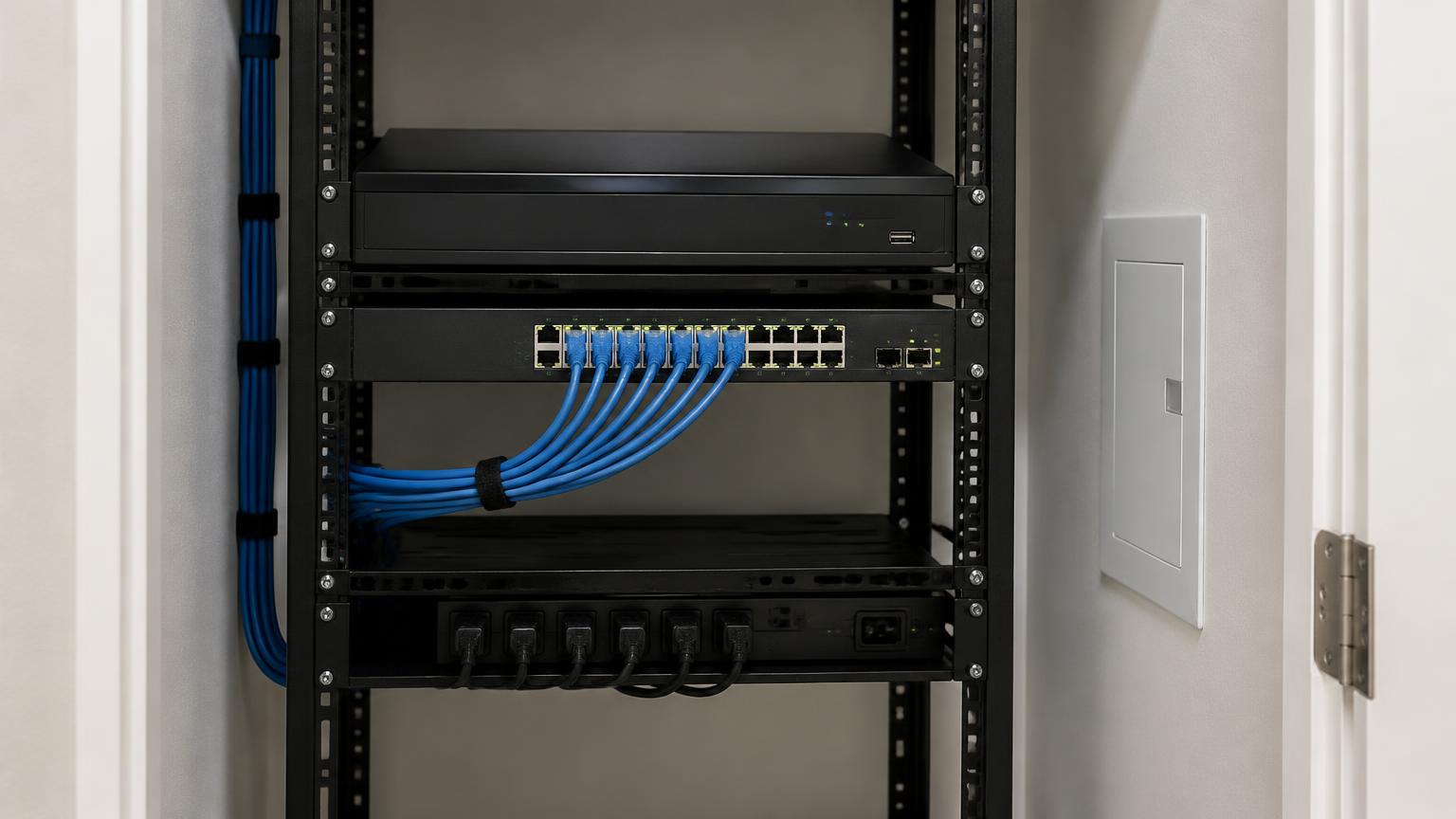
Protect runs on a UniFi console with storage — for example a UniFi Network Video Recorder (UNVR or UNVR Pro), a Dream Machine Pro, or a Cloud Key with Protect support. The supported list and camera capacity vary by console and change over time, so we size the console to your camera count and resolution rather than picking a default.
Network and power
Most UniFi Protect cameras are powered over Ethernet (PoE), so each camera needs a cable run back to a PoE switch with enough power budget. Wi-Fi models exist for spots where cable isn't practical, but they still need nearby power. In concrete-block buildings we plan cable paths early, since they drive most of the labor.
- Cable path to each camera
- PoE switch ports and power budget
- Weather-rated mounts and junction boxes
- Network separation for cameras where appropriate
Storage planning
How long you can keep footage depends on drive capacity, number of cameras, resolution, and whether cameras record continuously or only on detection. We estimate retention for your setup and recommend drives accordingly, so you know roughly how many days of video you'll have.
App setup and handoff
We adopt cameras in Protect, set recording modes and detection zones, configure alerts, and add users with the right permissions. Local recording in Protect doesn't require a subscription. We'll show you how to review and export clips from the app.
Requesting an assessment
Send photos of the areas you want to cover, the camera and hub models you're considering or already own, and how you want to record video. We'll review placement, power, connectivity, and storage before scheduling installation.
Questions about UniFi Protect
- Is UniFi Protect the same as UniFi Access?
- No. Protect handles cameras and recording; Access controls doors. They can share a console, but you can install either without the other.
- Is there a monthly fee?
- Recording to your own UniFi console doesn't require a subscription. Drives, the console, and any optional services are separate costs.
- Can I use my existing cameras?
- Protect is designed around UniFi cameras. Some third-party camera support exists but is limited; we'll review what you have.
- Do I need a UniFi network?
- You need a UniFi console that runs Protect and PoE switching for wired cameras. If you don't have them, they become part of the scope.
- How many days of video will I get?
- It depends on drive size, camera count, resolution, and recording mode. We estimate retention before you buy drives.
Where we install UniFi Protect
We serve homes, condos, and businesses throughout Miami-Dade, Broward, and Palm Beach counties.