What we install
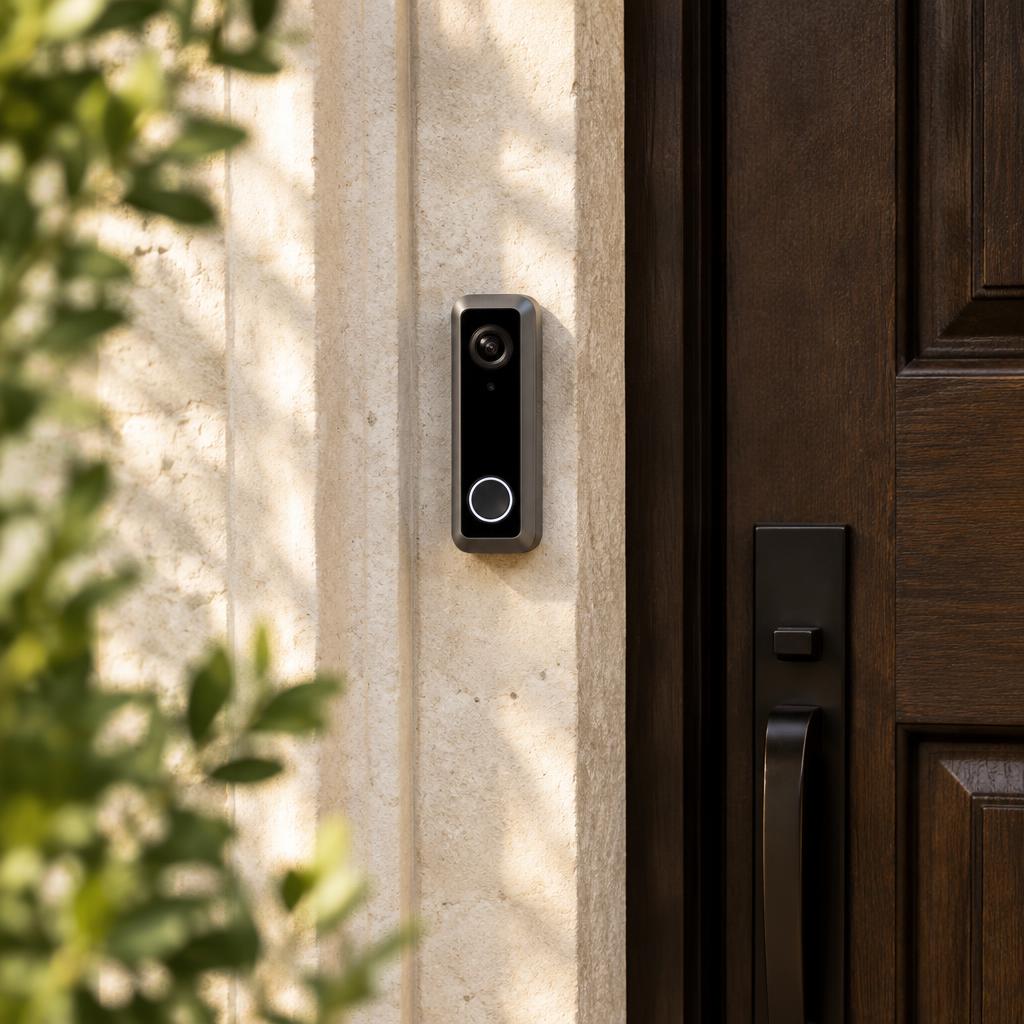
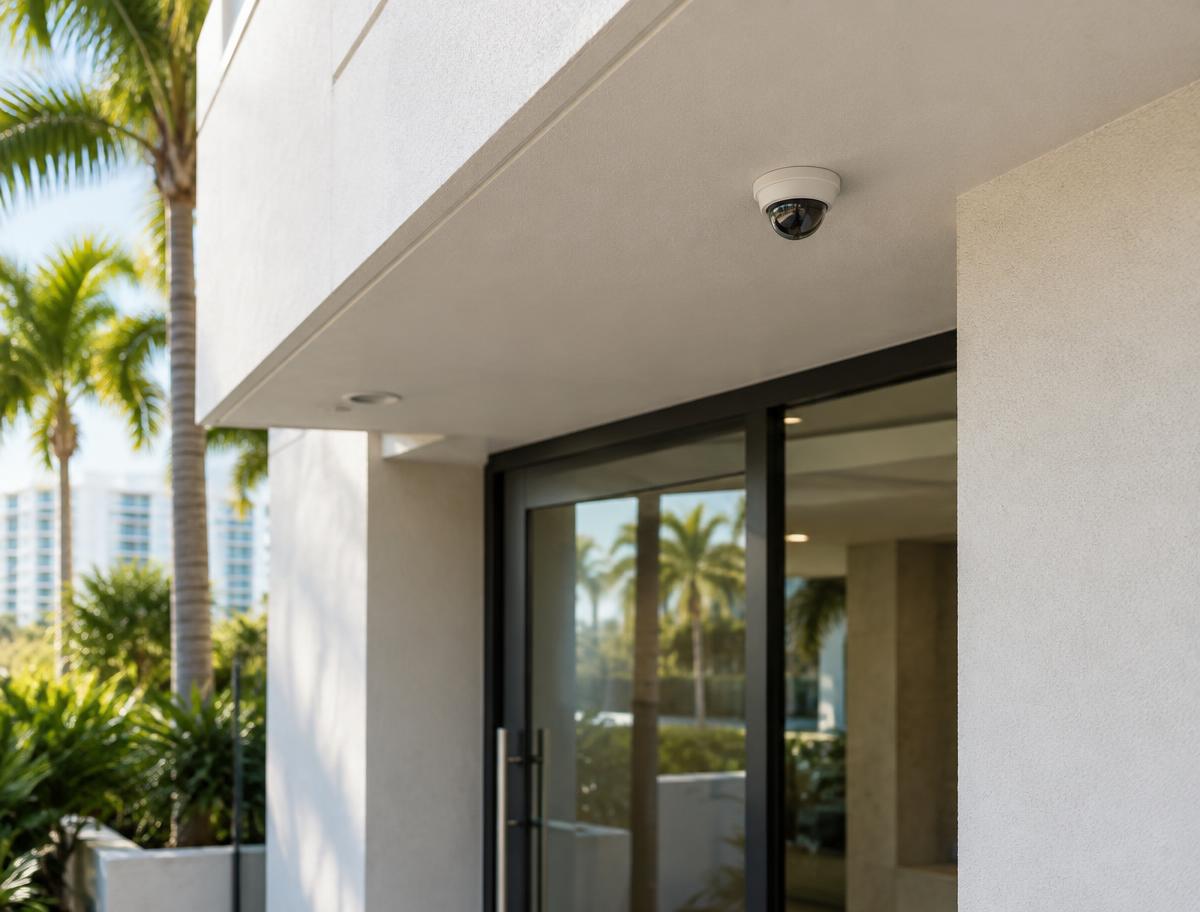
Reolink doorbells at the front entry and Reolink cameras around the property, sometimes connected to a Reolink network video recorder (NVR) for centralized recording.
PoE or Wi-Fi
Reolink's PoE doorbell takes power and network over a single Ethernet cable, which is often the most reliable option where a cable can be run. Its Wi-Fi doorbell supports 2.4 and 5 GHz and powers from existing doorbell wiring or an adapter. We assess which is realistic for your walls and layout.
- Path for an Ethernet cable to the door
- Existing doorbell wiring and transformer
- Chime options
- Wi-Fi signal at the mounting spot
Recording options
Current Reolink doorbells include a microSD card slot and can work with a Reolink NVR, and support motion, scheduled, and continuous recording modes. Local recording doesn't require a monthly fee; Reolink also offers optional cloud plans.
App setup and handoff
We set up devices in the Reolink app, configure detection zones and alerts, connect the chime, and add household users. If there's an NVR, we show you how to find and export footage.
Requesting an assessment
Send photos of the door (outside, inside, and the edge), the model you're considering if you have one, and what you want it to do. We'll confirm whether it's a good fit before scheduling installation.
Questions about Reolink
- Is a PoE doorbell better than Wi-Fi?
- PoE avoids Wi-Fi dropouts and uses one cable for power and data, but it needs a cable path. Wi-Fi is simpler where running cable isn't practical.
- Do I need an NVR?
- No. A doorbell or camera can record to its own microSD card. An NVR helps when you have several cameras.
- Is there a monthly fee?
- Not for local recording. Reolink offers optional paid cloud storage.
- Can I keep my existing chime?
- Often, depending on the model and wiring. We check before installing.
Where we install Reolink
We serve homes, condos, and businesses throughout Miami-Dade, Broward, and Palm Beach counties.