What we install
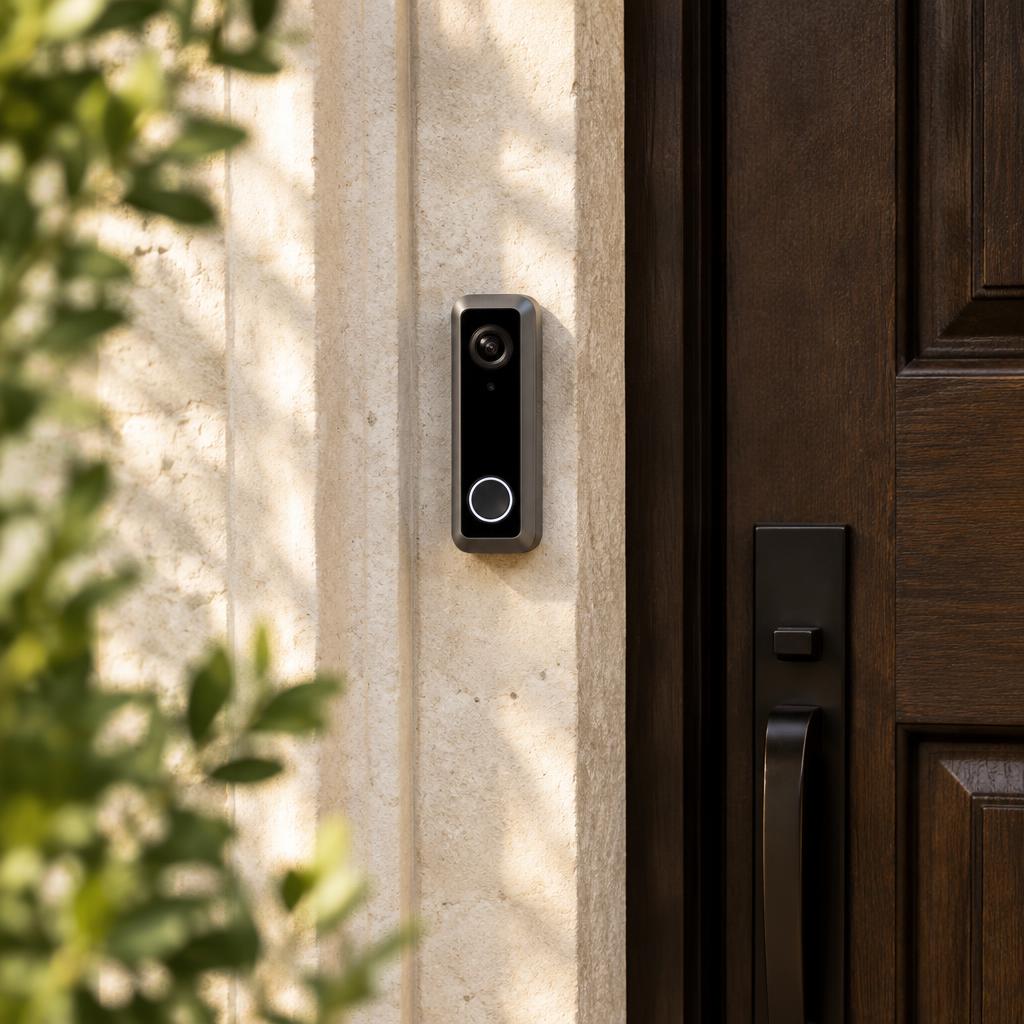
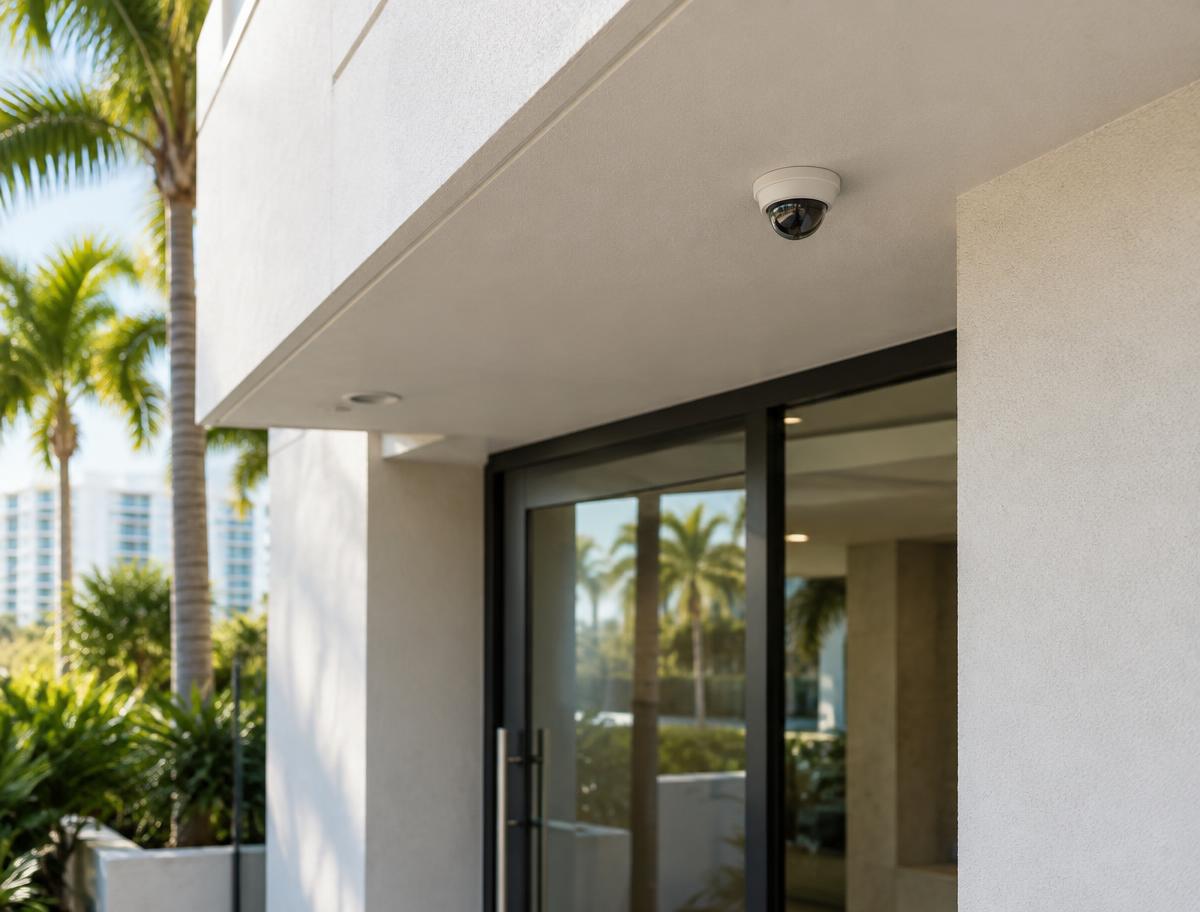
Most requests are a Nest Doorbell at the front door, sometimes paired with one or two Nest cameras covering a driveway, side gate, or back patio. We help choose between battery and wired models based on what's already at the door.
Power and wiring
Google lists different power requirements for each Nest Doorbell. The battery model can run on its battery alone or connect to existing doorbell wires for charging; the wired models must connect to a doorbell system, and some homes need a transformer upgrade first. We test what you have before mounting anything.
- Existing doorbell transformer voltage and VA
- Mechanical or digital chime
- Mounting surface — stucco, block, or a narrow frame
- Wedge or angle mount for side-facing entries
Wi-Fi at the door
Nest devices need a reliable Wi-Fi signal where they mount. Concrete block walls and metal impact doors are common in South Florida and can weaken signal, so we check strength at the exact spot and tell you if your network needs attention.
Recording options
Nest devices save a short window of event video without a plan. Longer event history and 24/7 recording on eligible models require a paid Google subscription. Plan names and terms are set by Google and change, so we'll point you to the current options rather than quote them.
App setup and handoff
We add the devices to your Google Home app, set activity zones so passing cars don't trigger alerts, confirm chime behavior, and share access with other household members. Before we leave, we walk you through answering the door and reviewing events.
Requesting an assessment
Send photos of the door (outside, inside, and the edge), the model you're considering if you have one, and what you want it to do. We'll confirm whether it's a good fit before scheduling installation.
Questions about Google Nest
- Can you reuse my current doorbell wiring?
- Often, but not always. Wired Nest doorbells have specific voltage and power needs, and some homes need a transformer upgrade. We test first.
- Do I need a subscription?
- Not to see live video and get alerts. Longer video history and continuous recording on eligible devices require a paid Google plan.
- Which app do I use?
- Current Nest doorbells and cameras are set up in the Google Home app with a Google Account.
- Can I bring a Nest device I already bought?
- Yes. Send the model name and photos of your door and existing doorbell so we can confirm it will work.
Where we install Google Nest
We serve homes, condos, and businesses throughout Miami-Dade, Broward, and Palm Beach counties.